Our Insta360 Luna Ultra review covers Leica imaging, 8K video, and AI tracking. See if this dual-lens gimbal is the best camera for your home office.
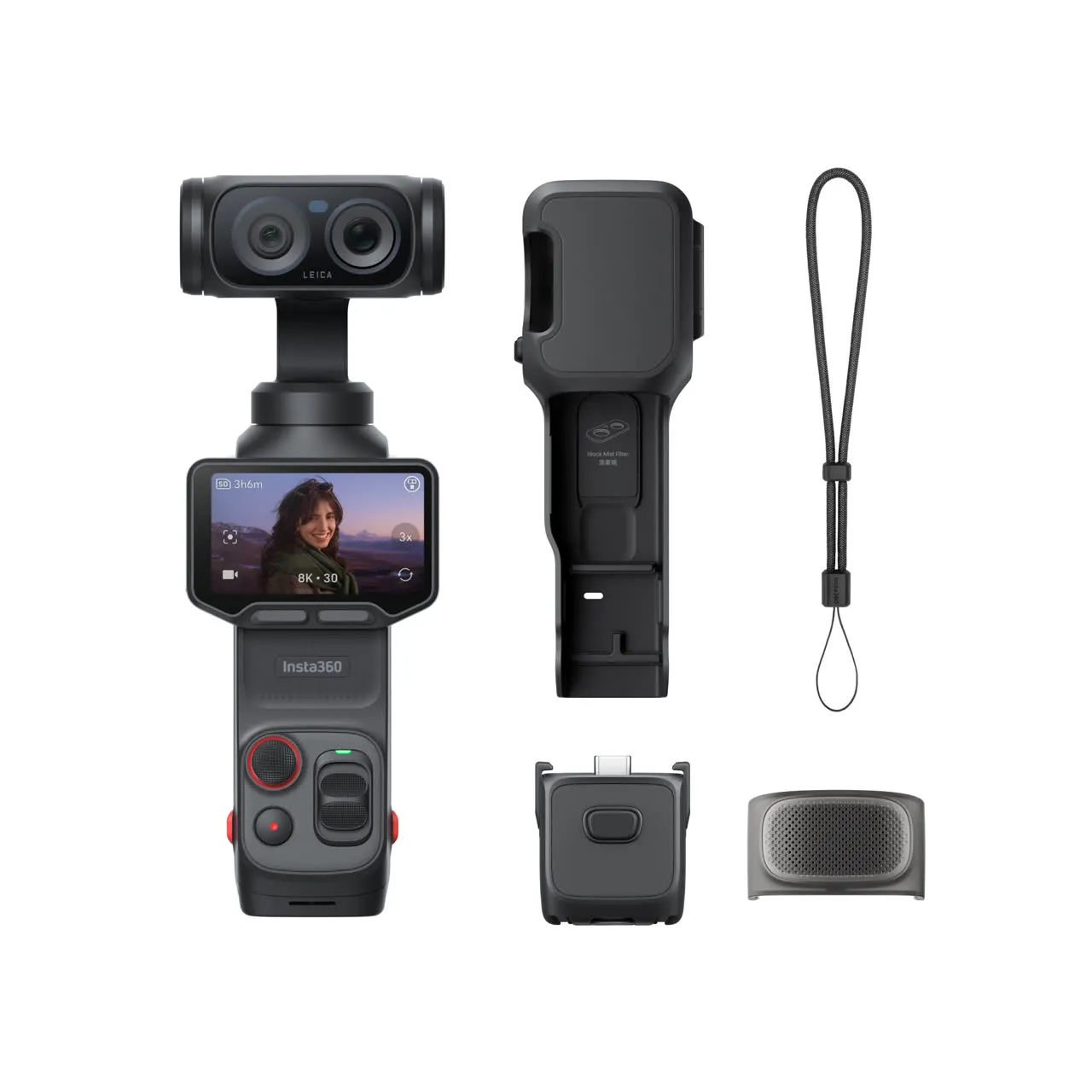
If you live on video calls, record tutorials, or run a YouTube channel from your desk, your webcam is probably the weakest part of your setup. This Insta360 Luna Ultra review looks at a pocket-sized, AI-powered gimbal camera — co-engineered with Leica — that promises pro-level video for creators and remote workers alike. Is it the ultimate home office camera, or overkill for a desk? Let’s break it down.
👉 Check the Latest Price on Insta360
Insta360 Luna Ultra Review: Quick Verdict
The Insta360 Luna Ultra is a flagship dual-lens gimbal camera built for creators who want cinema-grade footage without carrying a full camera rig. For a home office, its killer feature is AI subject tracking: the camera physically follows you around the room and keeps you perfectly framed during presentations, recordings, and live streams. It is not cheap, but nothing else this small comes close to its image quality.
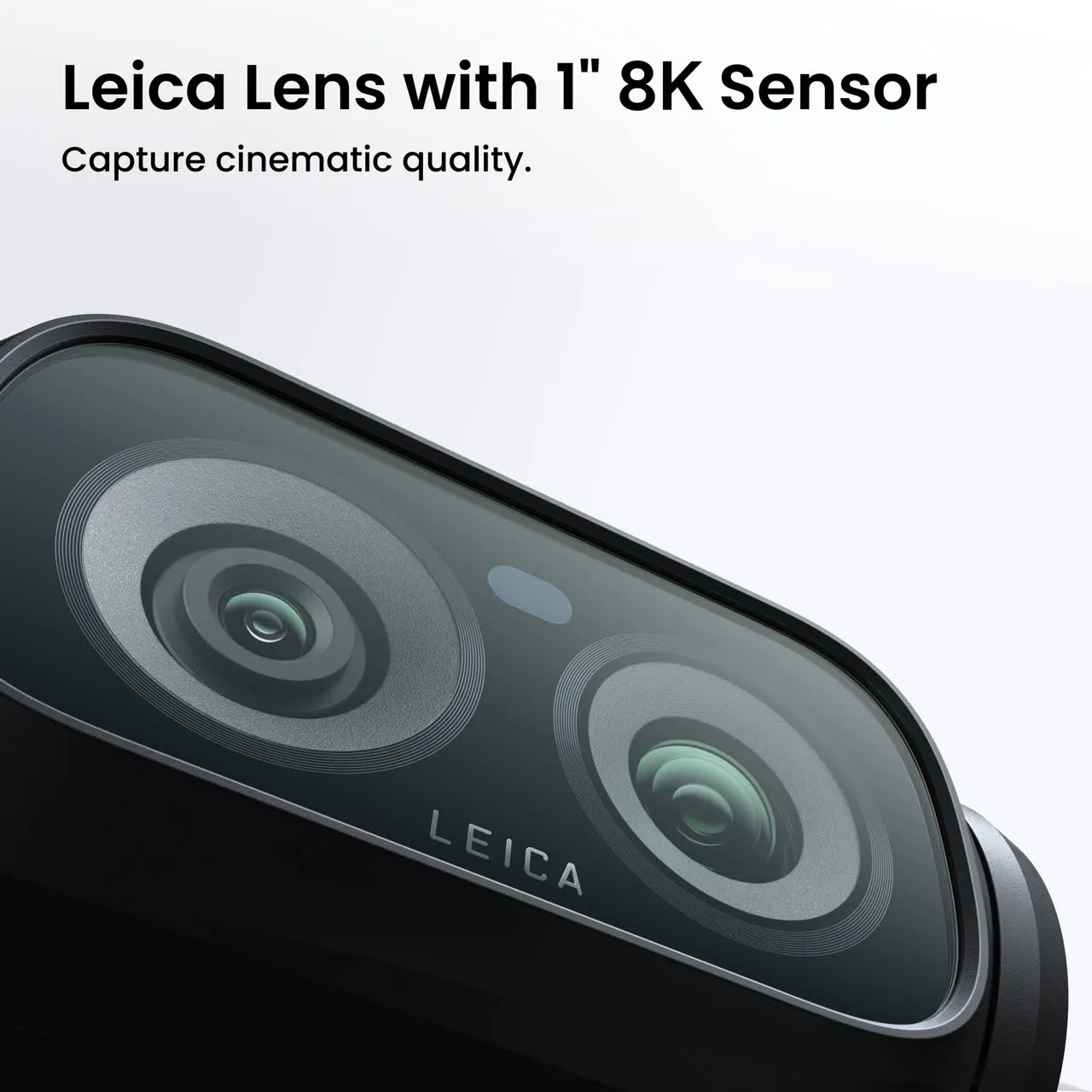
- Best for: Content creators, YouTubers, course makers, and remote workers who want studio-quality video.
- Standout feature: Leica-engineered 1-inch sensor + AI auto-tracking.
- Watch out for: Premium price and real-world battery life shorter than the spec sheet suggests.
Insta360 Luna Ultra Specs at a Glance
| Main sensor | 1-inch CMOS, Leica Summicron lens |
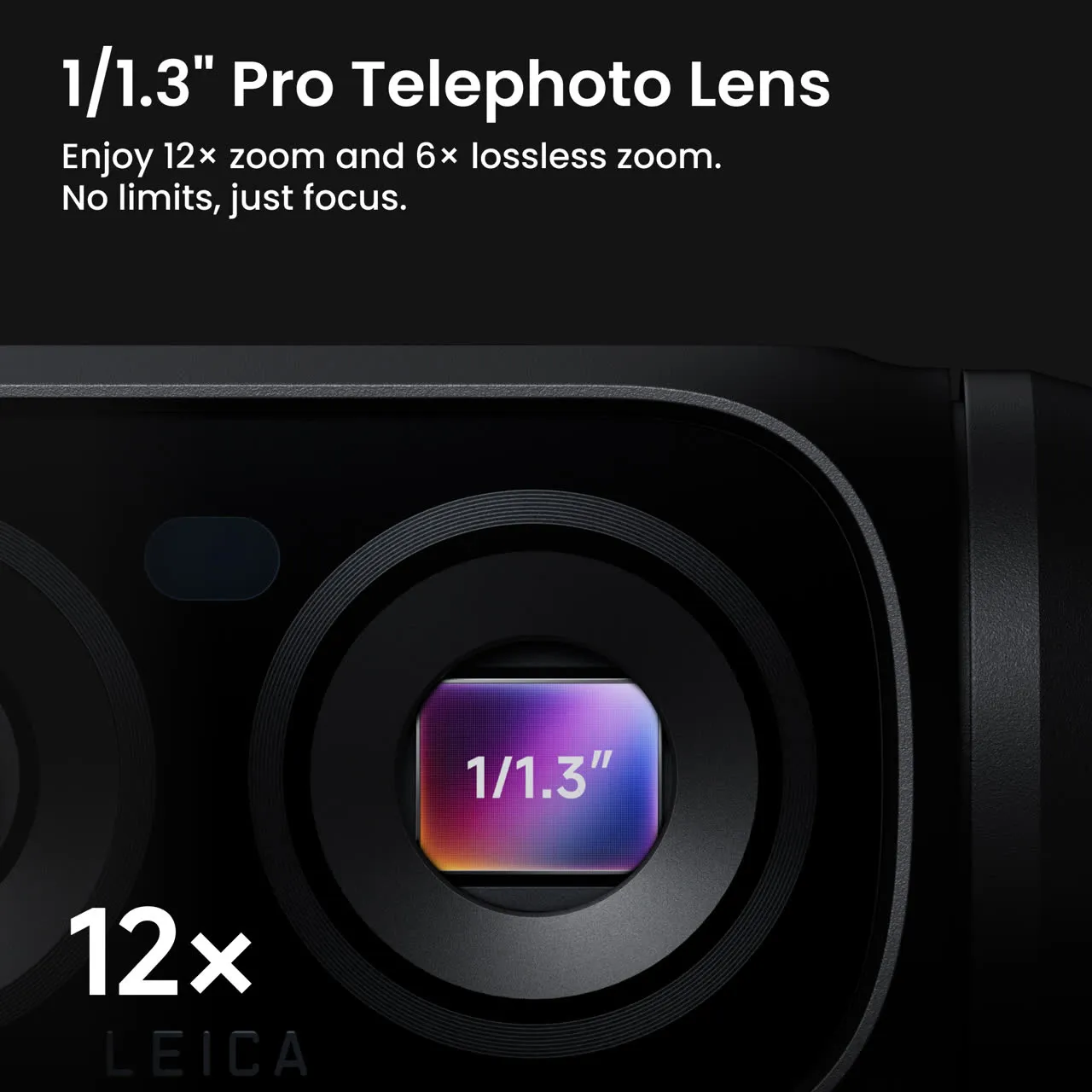
| Telephoto sensor | 1/1.3-inch CMOS, F2 aperture |
| Video | 8K30 with Dolby Vision, 10-bit I-Log |
| Stills | Up to 37MP (200MP panorama) |
| Zoom | Up to 12x (240mm); 6x lossless (120mm) |
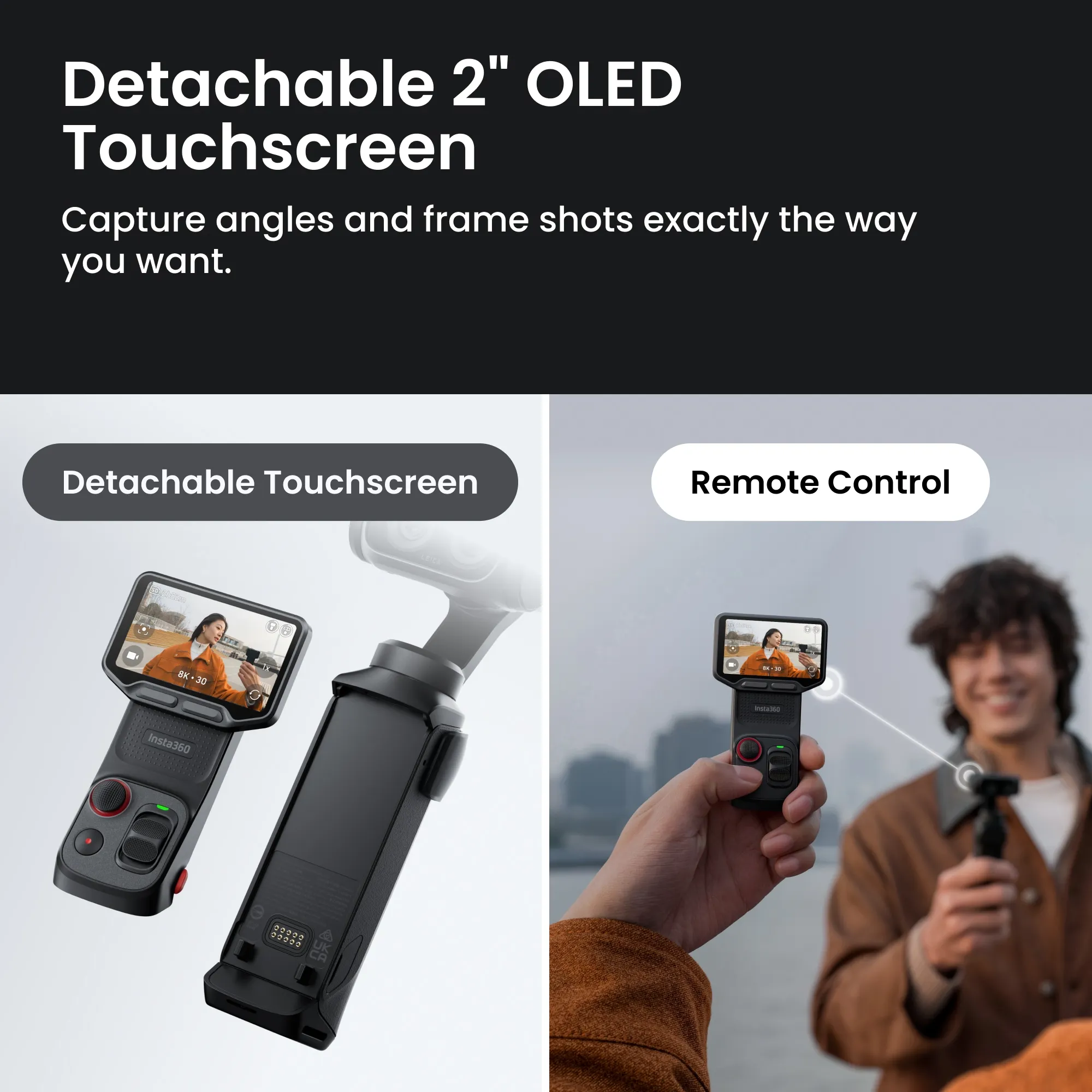
| Screen | Detachable 2-inch OLED touchscreen (works as remote up to ~20m) |
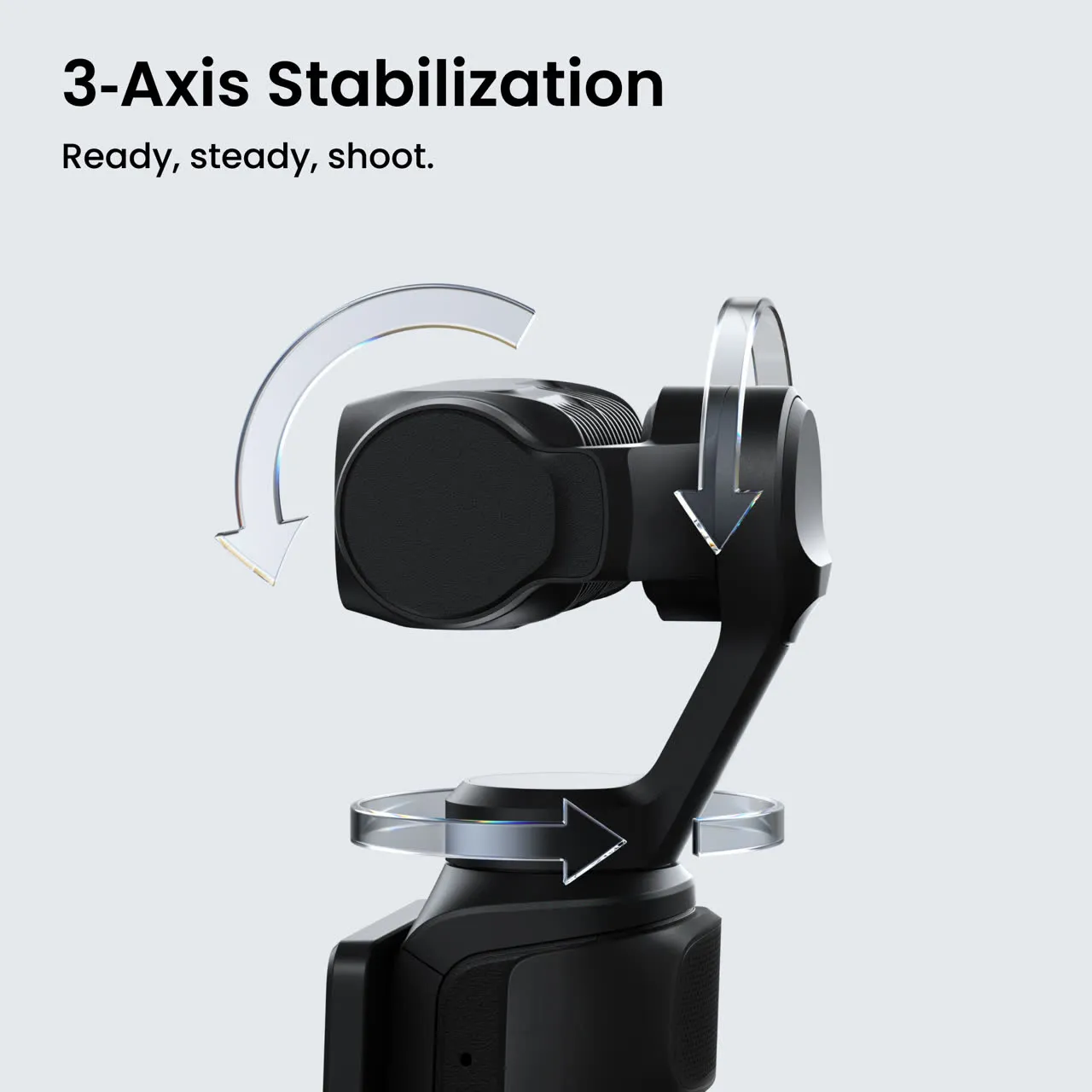
| Stabilization | 3-axis mechanical gimbal |
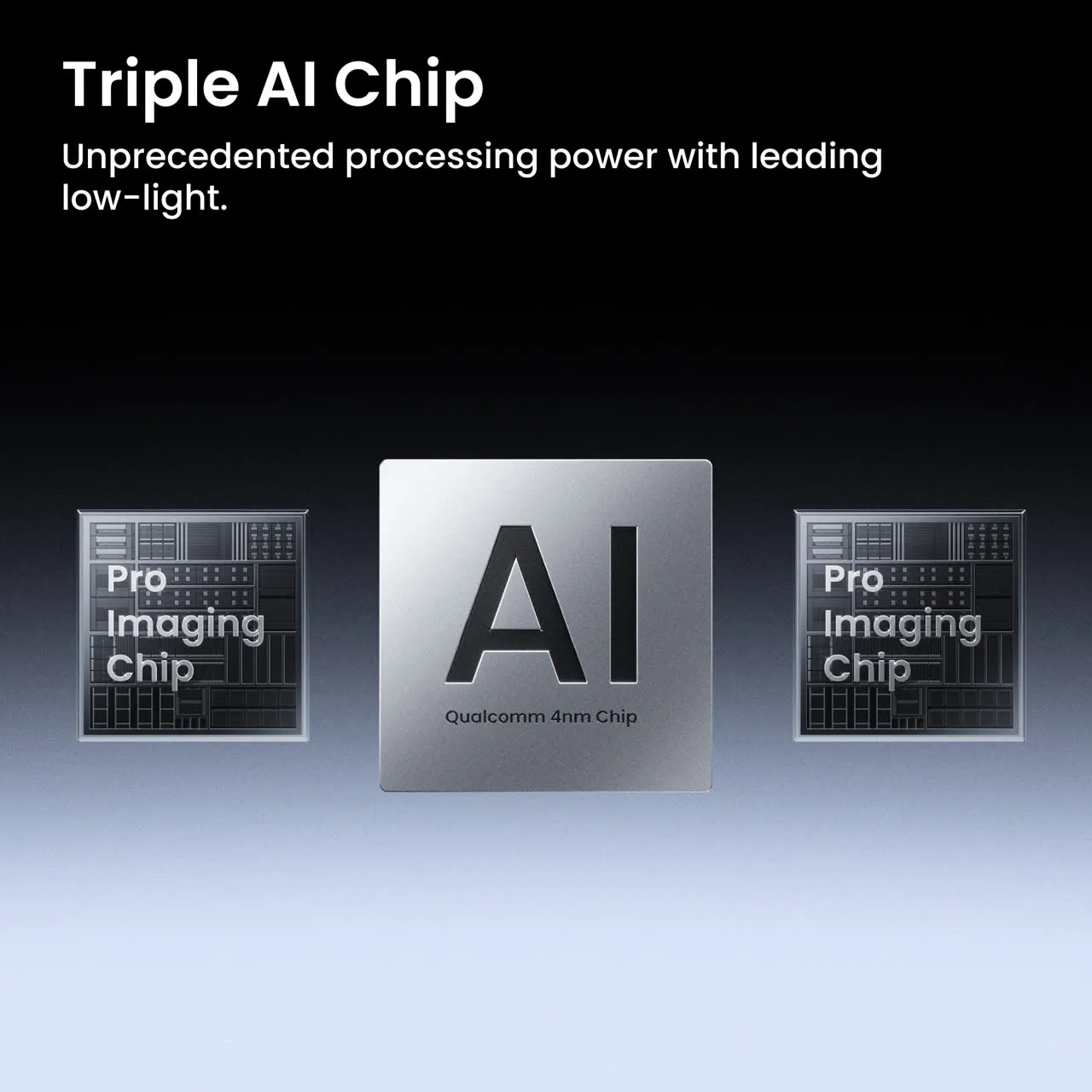
| AI | Triple AI Chip, Deep Track 5.0 tracking |
| Battery | 1,550mAh, up to 4 hours (less in heavy 8K use) |
| Storage | 47GB built-in, microSD up to 1TB |
| Audio | 4-mic array (3 in camera, 1 in handle) + wind guard |
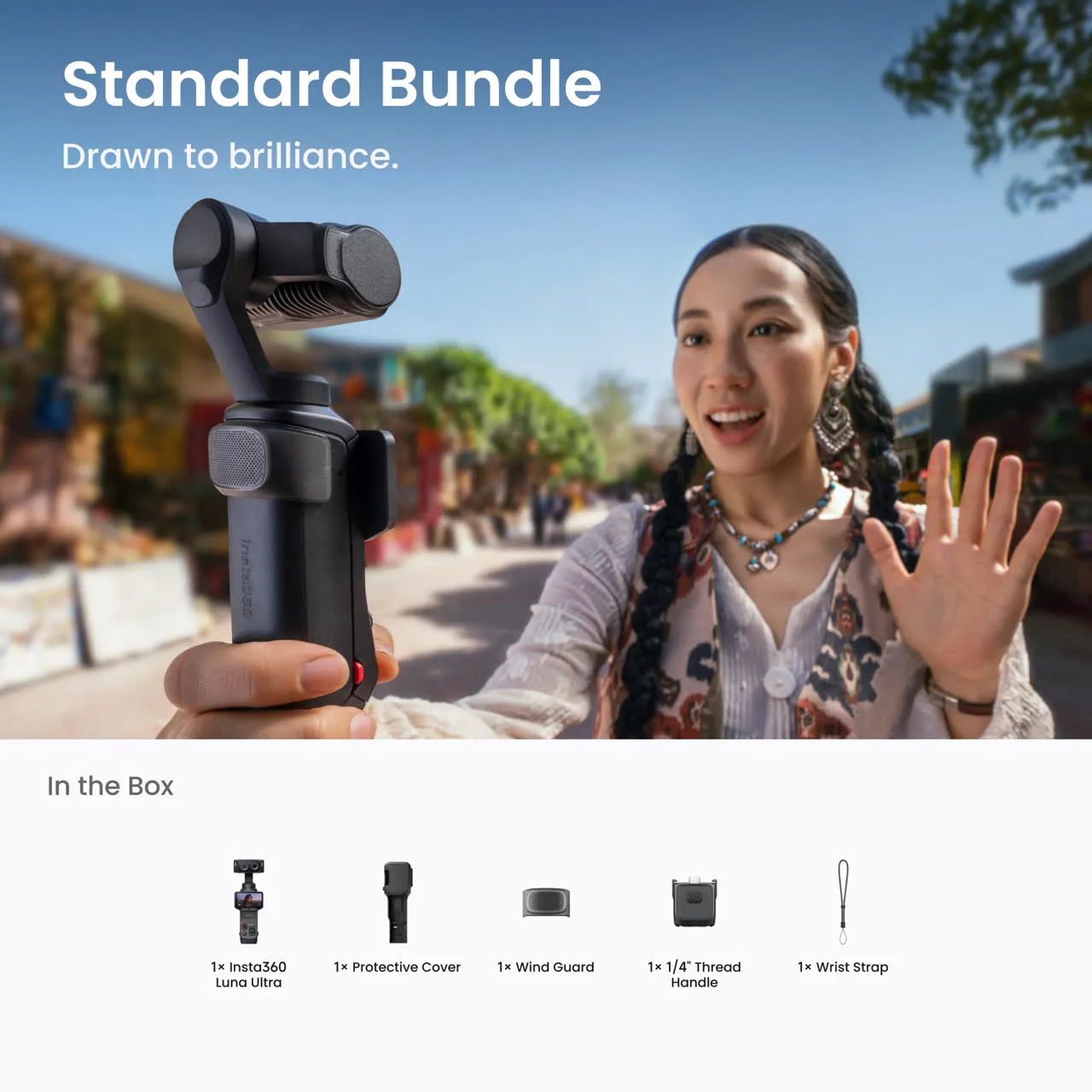
Leica-Grade Image Quality in Your Pocket
The heart of the Luna Ultra is a 1-inch main sensor paired with a Leica Summicron lens. In plain English: it pulls in far more light than the tiny sensor in your laptop webcam, so your footage looks sharp, clean, and natural even in a dim room. Insta360 also includes Leica color profiles — Natural, Vivid, and Chrome — so your video has that cinematic look straight out of the camera, no heavy editing required.
A second telephoto lens adds real optical reach, letting you zoom in for tight shots or soft, blurred backgrounds (bokeh) that make you stand out from a busy room behind you. For anyone filming product demos, talking-head videos, or webinars, that flexibility is a genuine upgrade over a fixed webcam.
AI Tracking: Your Personal Camera Operator
This is where the Luna Ultra earns its spot in a home office. Powered by a Triple AI Chip and Deep Track 5.0, the gimbal physically pivots to follow you as you move. Stand up to point at a whiteboard, walk to grab a product, or pace while you present — the camera keeps you centered and in focus the whole time.
It is essentially a hands-free camera operator. Combined with the detachable 2-inch OLED screen, which doubles as a wireless remote from across the room, you can set up, hit record, and run an entire session solo. Group tracking and Smart Framing make it just as useful for two-person interviews or podcast-style videos.
Can the Luna Ultra Replace Your Webcam?
Short answer: for serious creators, yes — and then some. While a dedicated webcam is plug-and-play for quick Zoom calls, the Luna Ultra gives you a level of image quality, depth, and movement that no built-in webcam can match. It is the difference between “good enough for a meeting” and “looks like a professional studio.”
If your video output is part of your brand — client calls, paid courses, sponsored content — the upgrade is easy to justify. If you only need a clean face on a Monday standup, a simple webcam will do the job for far less. Be honest about which camp you are in before you buy.
Battery, Storage, and Audio
Insta360 rates the 1,550mAh battery at up to four hours, but real-world use tells a more nuanced story: under heavy 8K and slow-motion recording, expect closer to two hours. The good news is you can record while charging over USB-C, and an extended-life battery accessory is available for long sessions. The 47GB of built-in storage is handy in a pinch, but anyone shooting 8K should add a microSD card (up to 1TB).
Audio is surprisingly capable for a camera this size, thanks to a four-microphone array — three in the camera body and one in the handle — plus a built-in wind guard. For desk use that often means you can skip an external mic, though a dedicated mic still wins for music or pro voiceover.
Insta360 Luna Ultra vs DJI Osmo Pocket 3
The Luna Ultra is a direct shot at DJI’s hugely popular Osmo Pocket 3, and it brings a couple of clear advantages: a dual-lens design with real optical telephoto zoom, and Leica-tuned color. DJI’s camera is lighter, more established, and often cheaper. If color science, zoom flexibility, and AI tracking matter most to you, the Luna Ultra makes a strong case. If you want the most proven option at a lower price, the Osmo Pocket 3 is still a fantastic buy.
Pros and Cons
✅ Pros
- Outstanding 1-inch Leica imaging in a pocket-sized body
- Dual lens with real optical telephoto and up to 12x zoom
- Reliable AI tracking — a true hands-free camera operator
- Detachable OLED screen doubles as a remote
- Strong built-in 4-mic audio
- Pro workflow support (Dolby Vision, I-Log, Final Cut, Premiere, DaVinci Resolve)
❌ Cons
- Premium price — a real investment
- Real-world battery life shorter than the headline number
- Overkill if you only need a basic webcam for meetings
- Add a microSD card to get the most out of 8K
Accessories Worth Knowing About
Insta360 offers a full accessory lineup that extends what the Luna Ultra can do: a POV head tracker for hands-free capture, a Black Mist filter for a cinematic soft look, a wide-angle lens that widens the field of view to 108°, ND filters for bright environments, and an extended battery for all-day shooting. If you film often, budget for a microSD card and a small tripod from day one.

Frequently Asked Questions
Is the Insta360 Luna Ultra good for a home office?
Yes — especially for creators and remote workers who record video. Its AI tracking, Leica imaging, and detachable remote screen make solo recording at your desk simple and professional. For basic meetings only, a standard webcam is more cost-effective.
Can the Luna Ultra be used as a webcam?
It delivers far better quality than a built-in webcam and is ideal for high-stakes calls, courses, and content. A traditional webcam still wins for instant plug-and-play convenience on quick calls.
How long does the Luna Ultra battery last?
Insta360 rates it at up to four hours, but heavy 8K recording brings that closer to two hours. You can record while charging over USB-C or add the extended-life battery.
Does the Luna Ultra shoot 8K?
Yes, it records up to 8K30 with Dolby Vision and 10-bit I-Log, with workflow support for Final Cut Pro, Adobe Premiere Pro, and DaVinci Resolve.
Is the Luna Ultra better than the DJI Osmo Pocket 3?
It offers a dual-lens design with optical zoom and Leica color, which the Osmo Pocket 3 lacks. DJI’s option is lighter, more established, and often cheaper. Your choice depends on whether zoom and color science or price and proven track record matter more.
Final Verdict
To wrap up this Insta360 Luna Ultra review: this is one of the most capable cameras you can put on a desk. If video is part of how you work or earn — courses, client calls, YouTube, sponsored content — the Leica imaging and AI tracking deliver a genuine studio upgrade in a body you can hold in one hand. If you just need a clean face on a weekly standup, it is more camera than you need. For everyone serious about content, the Luna Ultra is an easy recommendation.